YouMap
YouMap is an app that lets users create and share custom maps with personal stories and local tips. From hidden gems to travel plans and event guides, it helps people map what matters. I joined the team to redesign the mobile app and help launch its new web-based MVP.
my role
Lead UX/UI Designer, Design System Lead
Type
Mobile app (iOS), Desktop app
Challenge
Introduce new features while maintaining a light, intuitive mapping experience
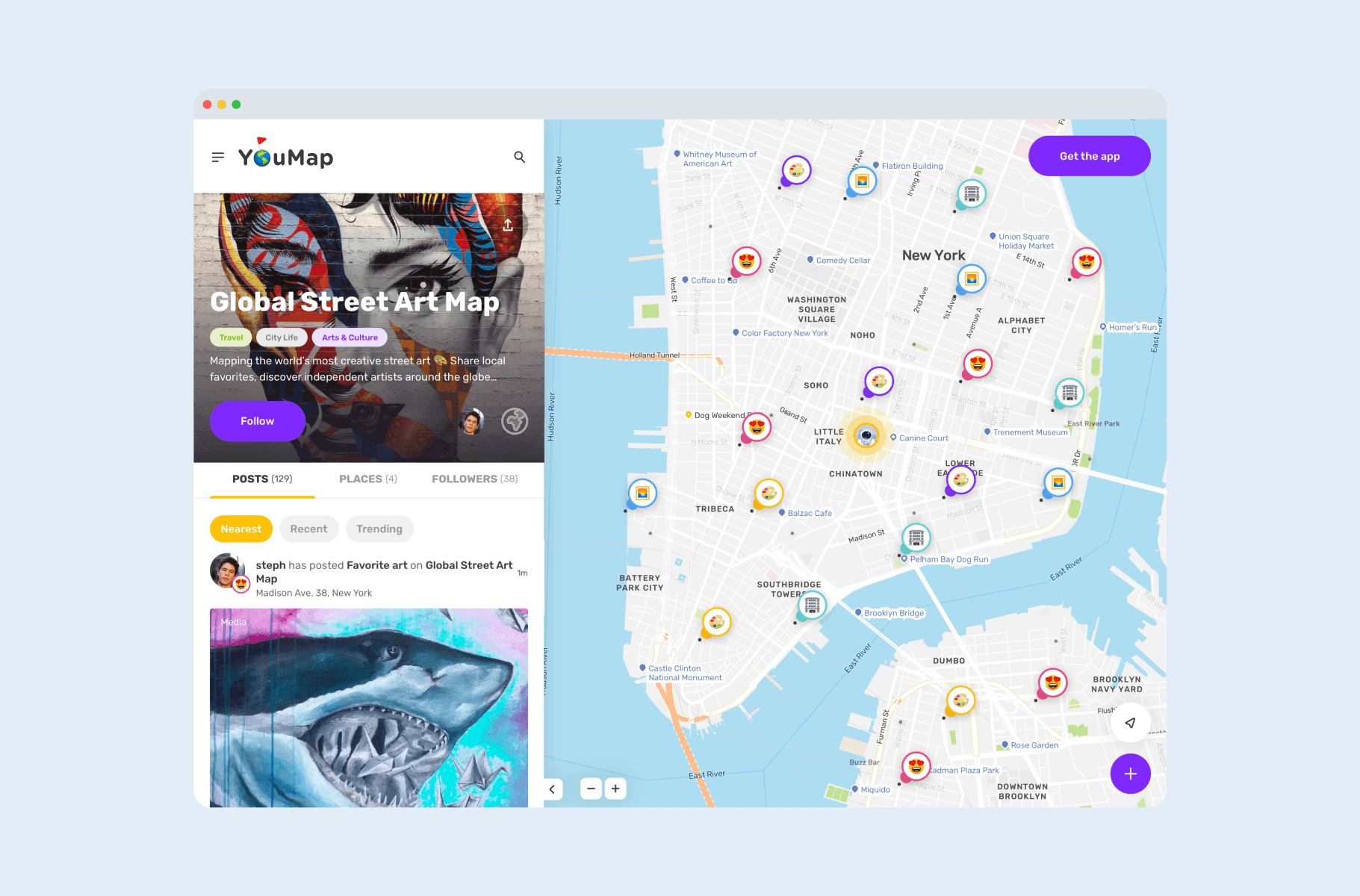
Unify visual style and usability across mobile and web platforms
Maintain a fast, modern experience despite expanding functionality
Solution
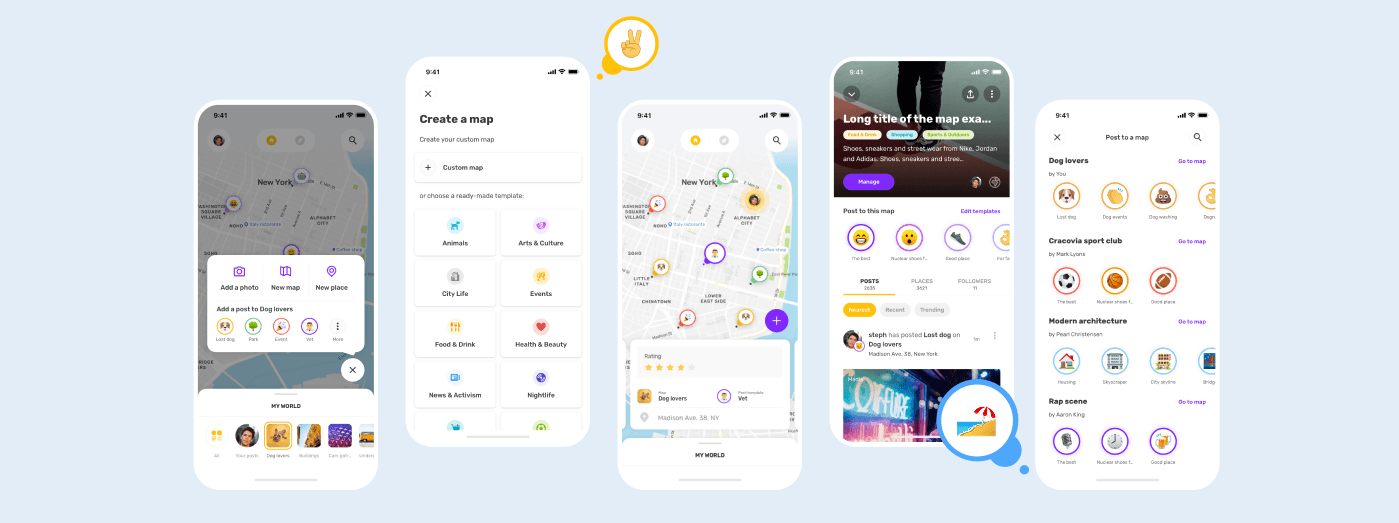
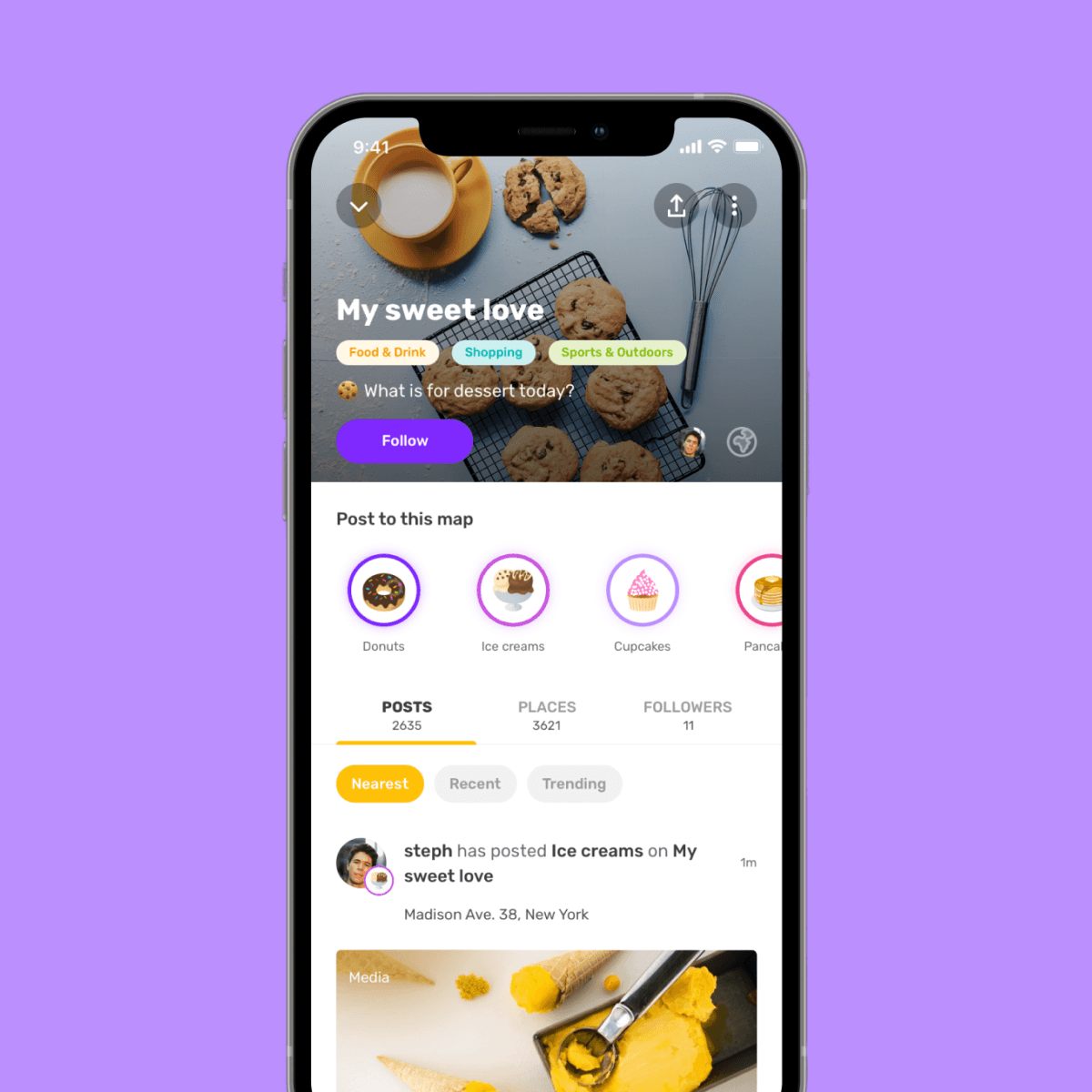
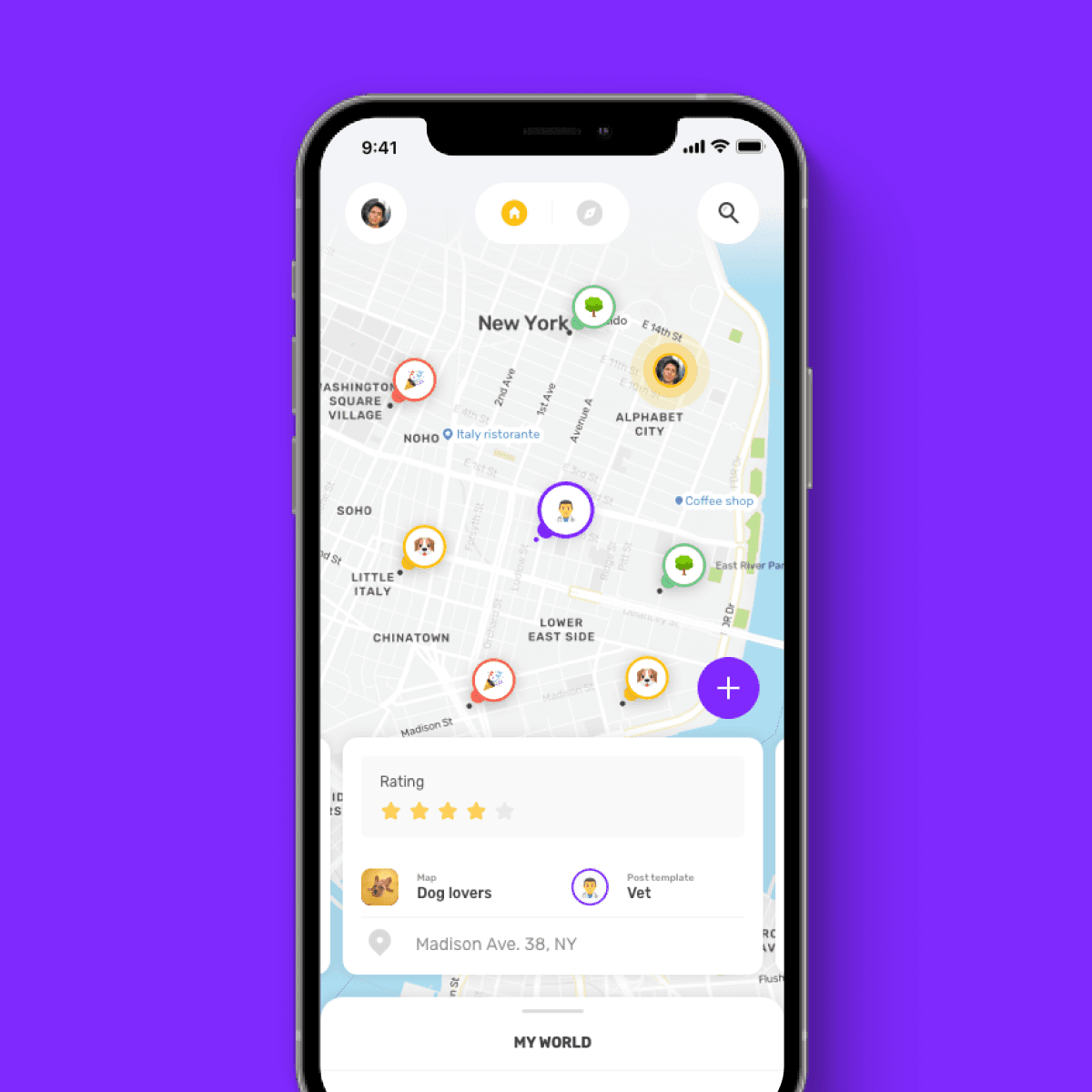
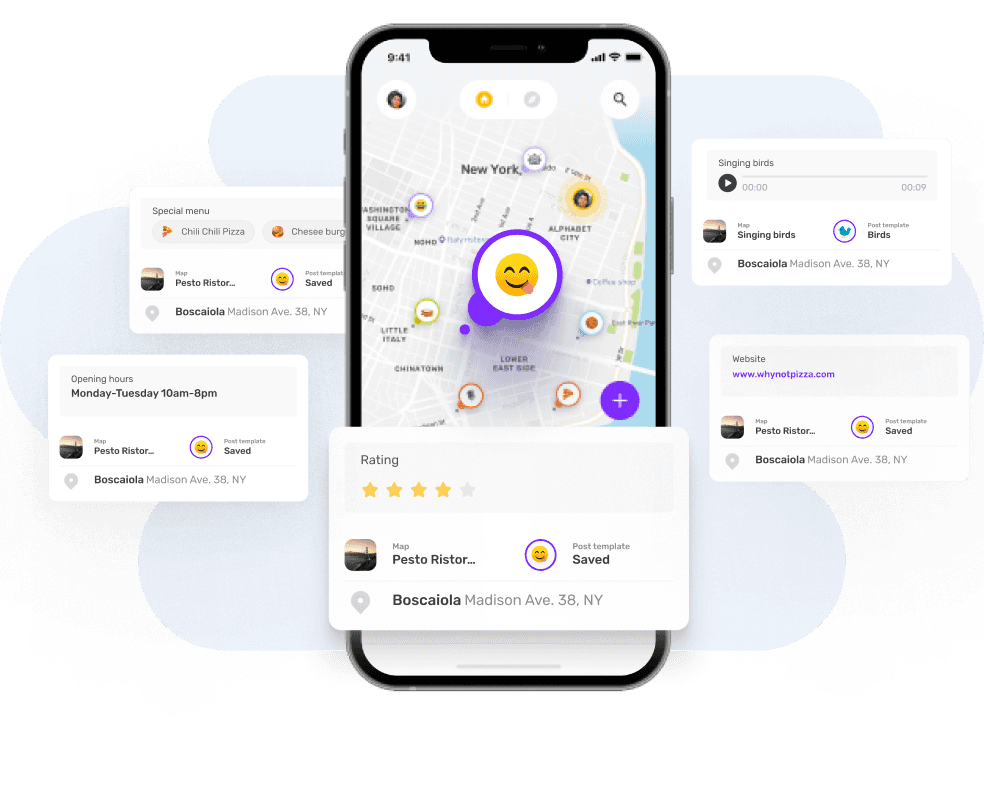
We delivered a customizable, visually delightful mobile and web experience with features such as:
Personalized maps with curated post templates
Flexible post creation for different content types
Lightweight, modern UI optimized for exploration
Color-coded emojis to highlight posts
My role
As Lead Designer, I was responsible for both UX and UI across mobile and web platforms. I directly contributed to feature planning, design, and prototyping.
In addition to my hands-on work, I also supervised and supported another designer, ensuring consistency, design quality, and smooth collaboration across all deliverables.
Key responsibilities:
Designing wireframes and user flows
Creating and maintaining the design system
Developing prototypes and animations
Improving existing UX flows
Introducing new features based on client and user needs
Collaborating with product managers, developers, and designers
My product design journey
1
Workshops & research
Conducted collaborative workshops with the product team to gather feedback and define priorities. Created an Action Priority Matrix to shape the product roadmap.
2
User flows & wireframes
Designed end-to-end user flows for features like posting, discovery, reactions, and profile customization. Created wireframes for features that didn’t yet exist in the system.
3
Design system & components
Built a design system from scratch, using atomic design principles. Added new components directly to the system during design.
4
Prototyping & motion design
Created interactive prototypes in ProtoPie and animated micro-interactions in Adobe After Effects to ensure smooth developer handoff.
5
Continuous improvement
We collaborated with our Product Designers, who conducted user tests to ensure the clarity and user-friendliness of our solutions. Later, in consultation with the client, we prioritized the improvements that would be addressed first.